![LEIPURIN_LOGO_ORANGE_RGB-2.png]](https://knowledge.leipurin.com/hs-fs/hubfs/LEIPURIN_LOGO_ORANGE_RGB-2.png?height=50&name=LEIPURIN_LOGO_ORANGE_RGB-2.png)
Draft your content flow and gather your material
Organise your content on paper first (helps identify how many sections the email includes)
Prepare your text
Have a look at existing emails for inspirations and ideas. No need to reinvent the wheel every time.
(maybe we make a short list of good practices for email marketing?)
About the pictures
Emails are size sensitive. More than in the website, you should look at the size of the images (in kB) and check the pixels dimensions.
A full width image needs to be 600px wide, but we recommend to make it twice bigger - 1200px - to make the image compatible with mac retina displays.
Always optimise your image with a tool like tiny jpg to make it as light as possible without compromising with the quality too much.
Name your images according the site general naming conventions and place them in the appropriate folder.
New template overview
Full width
The new template is now full width without any border. It is more consistent with the fresh and airy new brand.
Saved sections
Use multiple sections to organise your email.
You can use background alternate background colours to differentiate the
Create an email from a template
It is also possible to clone an existing email if you want to keep certain email properties such as automation.
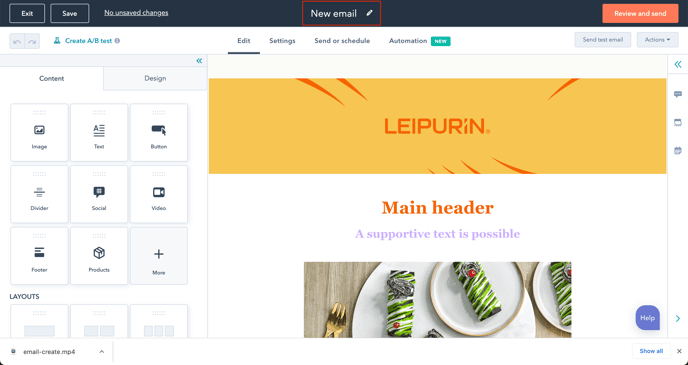
Name your email
Type directly on the top bar in the dedicated field
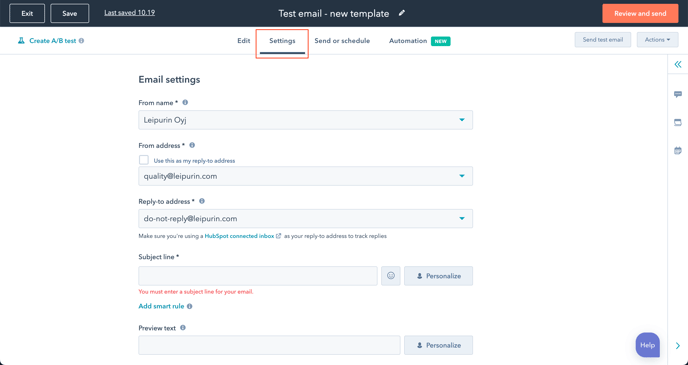
Edit email settings
Use saved sections to add what you need
Enter your text
You can copy-paste from word if you remember to Clear Styles, and remove ALL unnecessary code from the Source Code.
It's easier, cleaner ad safer to copy-paste a text as "plain text" and do the formatting in the email
Add a button
Duplicate a button from the template
or a link to your page
Change section background colour
As a section gets a new background colour, the divider is not needed anymore
Use of the divider
Use the divider only between sections or elements of the same colours
The divider can be found in the Saved Sections
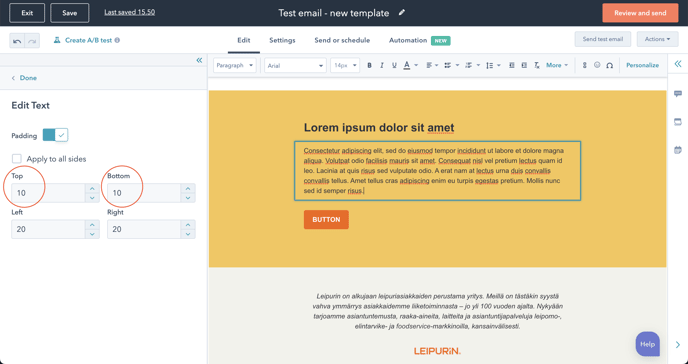
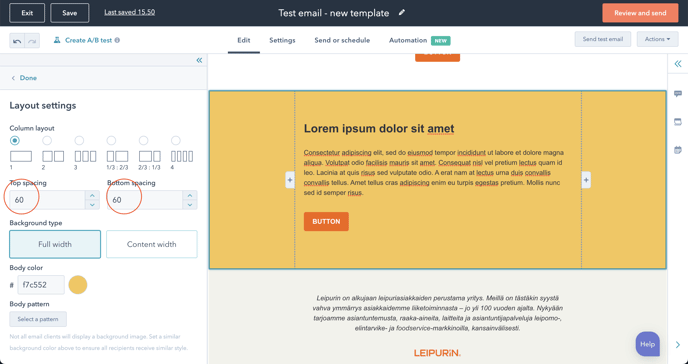
Adjust padding between Content modules and Sections
Test well before sending
1. Use the preview mode
2. Send a test email
Check especially that the images display the way you want on mobile (full width or not)
Click all the images and links and make sure they go to the right place.
Check your footer Social Media links and make sure they go to the right place 8especially if you have cloned an email)
Also, add soft-hyphenation to your long words
Subject line and other settings
Best practice > Kimmo and Marjaana